15 Signs Your Business Has Outgrown Excel (And It's Time for Better Business Software)
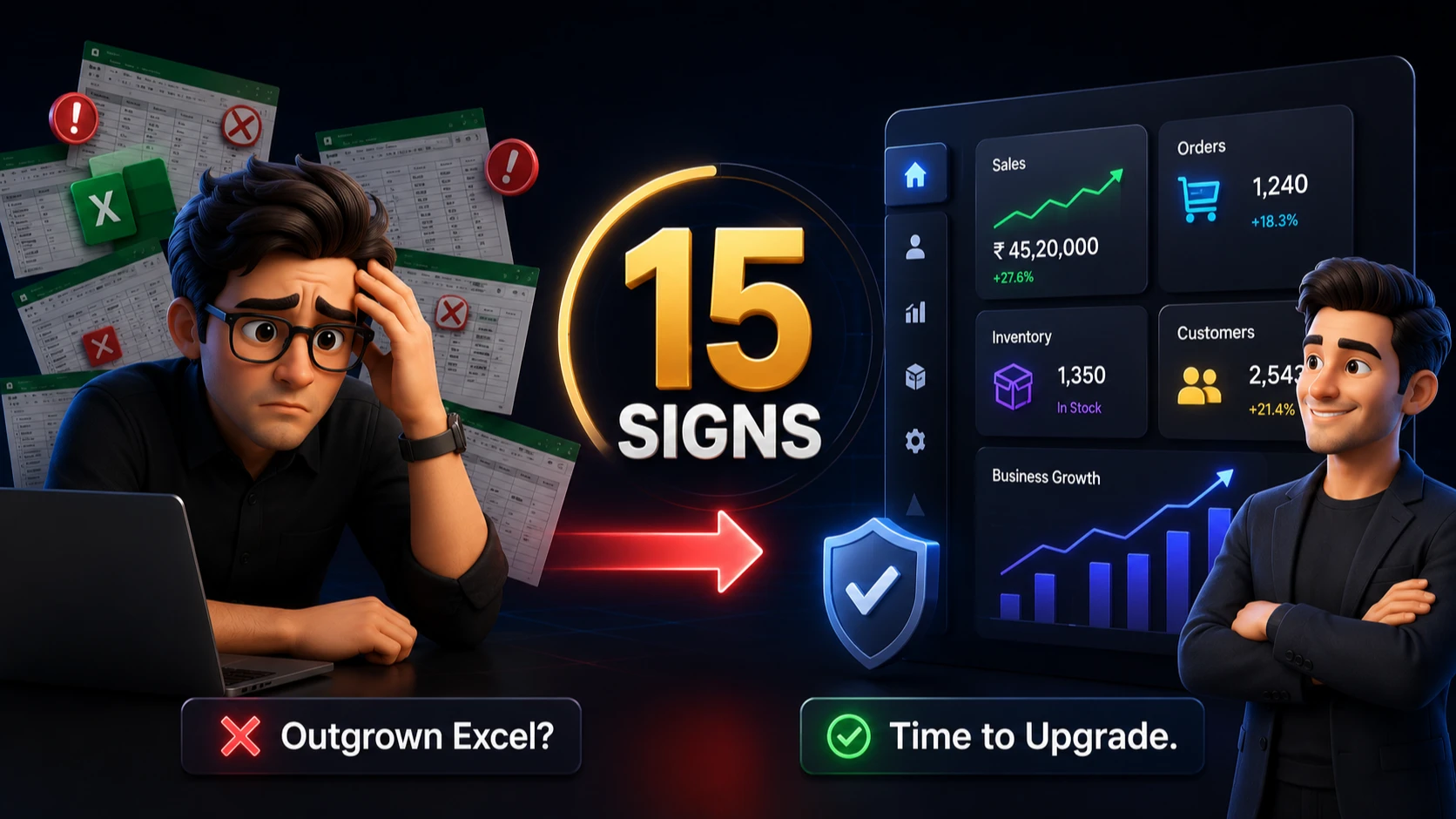
# 15 Signs Your Business Has Outgrown Excel
For years, Microsoft Excel has been the backbone of countless businesses. It's simple, flexible, and familiar. But as your company grows, spreadsheets that once made life easier can become one of your biggest operational bottlenecks.
If your team spends more time fixing Excel sheets than growing the business, it's a clear signal that your business has outgrown spreadsheets.
In this guide, we'll explore the biggest warning signs, why they happen, and what modern businesses use instead.
Why Businesses Love Excel
Excel is excellent for:
- Budget planning
- Simple reports
- Small inventories
- Basic calculations
- Personal productivity
However, Excel was never designed to manage an entire growing business with multiple employees, departments, customers, and thousands of transactions.
As operations expand, businesses need software built specifically for managing workflows, collaboration, automation, and real-time reporting.
# 1. Multiple Employees Edit the Same Excel File
If employees constantly ask:
""Who has the latest Excel file?""
You're already facing one of Excel's biggest limitations.
Common problems include:
- Duplicate files
- Lost changes
- Version confusion
- Overwritten data
Modern business software provides real-time collaboration where everyone works from the same live database.
# 2. Your Sales Team Tracks Leads in Excel
Managing leads in spreadsheets may work when you have 20 customers.
It doesn't work when you have:
- Hundreds of inquiries
- Sales representatives
- Multiple follow-ups
- WhatsApp conversations
- Email communication
A CRM system automatically tracks leads, follow-ups, reminders, and customer history.
# 3. Inventory Numbers Never Match
Does this sound familiar?
- Excel says 52 products.
- Warehouse says 48.
- Sales team says it's out of stock.
Manual inventory updates almost always create errors.
Inventory Management Software updates stock automatically whenever purchases, sales, or returns happen.
# 4. Reports Take Hours to Prepare
If someone spends half a day creating reports every week, your reporting process needs an upgrade.
Modern dashboards generate:
- Sales reports
- Profit reports
- Employee performance
- Inventory status
- Customer analytics
...within seconds.
# 5. You Can't Track Employee Activities
Excel cannot easily answer questions like:
- Who completed the task?
- Who approved the purchase?
- When was the invoice generated?
- Who modified customer data?
Business management software maintains complete activity logs for transparency and accountability.
# 6. Your Business Depends on One Excel Expert
Many companies rely on one employee who understands all spreadsheet formulas.
If that person leaves, business operations slow down immediately.
Software should simplify operations, not create dependency on individuals.
# 7. Data Is Scattered Everywhere
Customer information is stored in:
- Excel
- Emails
- Notebooks
- Sticky notes
- Google Sheets
When information is scattered, employees waste valuable time searching instead of serving customers.
A centralized business management system keeps everything in one place.
# 8. You Frequently Make Manual Errors
Manual data entry leads to:
- Wrong invoices
- Incorrect calculations
- Duplicate entries
- Missing customer details
- Inventory mismatches
Automation significantly reduces human errors.
# 9. You Need Better Security
Anyone with the Excel file can:
- Copy data
- Delete information
- Share confidential records
- Modify formulas
Business software provides:
- User permissions
- Role-based access
- Audit logs
- Secure cloud backups
# 10. You Cannot Access Business Data Anywhere
If your Excel files remain on one office computer, your business stops whenever you're away.
Cloud software enables secure access from:
- Office
- Home
- Mobile devices
- Branch offices
Real-time information is available whenever you need it.
# 11. Your Business Has Multiple Departments
As businesses grow, departments become interconnected.
Examples include:
- Sales
- Accounts
- HR
- Inventory
- Purchase
- Customer Support
Excel struggles to connect these workflows efficiently.
Integrated ERP software keeps every department synchronized.
# 12. You Spend Too Much Time Updating Data
Instead of working on business growth, employees spend hours:
- Copying rows
- Updating formulas
- Creating reports
- Reconciling data
Automation eliminates repetitive administrative work.
# 13. Customers Expect Faster Service
Modern customers expect:
- Instant quotations
- Fast invoices
- Order tracking
- Quick responses
Businesses relying on manual spreadsheets often struggle to meet these expectations.
Digital business software improves response time dramatically.
# 14. You Need Better Decision Making
Business owners need real-time insights, not yesterday's spreadsheet.
Modern dashboards provide:
- Live sales
- Revenue trends
- Inventory alerts
- Outstanding payments
- Employee productivity
- Business performance
Good decisions depend on accurate, real-time data.
# 15. Your Business Is Growing Faster Than Your Systems
This is the biggest sign of all.
If your company has:
- More employees
- More customers
- More products
- More invoices
- More branches
- More daily transactions
...your business needs systems that grow with it.
Excel simply wasn't designed for large-scale business operations.
# Excel vs Business Management Software
| Feature | Excel | Business Software |
|---|---|---|
| Multi-user Collaboration | Limited | Yes |
| Automation | Limited | Yes |
| CRM | No | Yes |
| Inventory Management | Manual | Automatic |
| HR Management | Manual | Yes |
| Reporting | Manual | Real-time |
| Security | Basic | Advanced |
| Mobile Access | Limited | Yes |
| User Permissions | Limited | Yes |
| Audit Logs | No | Yes |
# What Should You Use Instead?
The right solution depends on your business.
Common options include:
- CRM Software
- ERP Software
- Inventory Management Software
- HR Management Software
- Accounting Software
- Business Management Software
- Custom Software Solutions
Businesses with unique workflows often benefit from custom software built specifically around their operations.
# Benefits of Moving Beyond Excel
After upgrading from spreadsheets, businesses commonly experience:
- Faster operations
- Better customer service
- Fewer manual errors
- Increased productivity
- Improved collaboration
- Better reporting
- Higher employee efficiency
- Stronger security
- Easier scalability
Instead of managing spreadsheets, your team can focus on growing the business.
# Frequently Asked Questions
Is Excel still useful?
Absolutely. Excel remains one of the best tools for calculations, financial planning, and personal productivity. The challenge arises when businesses attempt to manage complex operations entirely through spreadsheets.
When should a business stop using Excel?
Most businesses should consider specialized software when they have multiple employees, large customer databases, inventory management needs, or repetitive manual workflows.
Should I choose ERP or CRM?
CRM focuses on customers and sales. ERP manages the entire business, including inventory, HR, accounting, purchases, and operations. Many growing businesses eventually use both or adopt an integrated business management platform.
# Final Thoughts
Excel helped millions of businesses get started, but it shouldn't limit future growth.
If you recognized several of these warning signs, your business is likely spending more time managing spreadsheets than managing customers.
The right business software doesn't just replace Excel. It streamlines operations, improves collaboration, reduces costly mistakes, and gives business owners the visibility needed to make smarter decisions.
The sooner you upgrade your business systems, the sooner your team can focus on what truly matters: serving customers and growing the business.
Authentication required to join the conversation
Sign In to Comment