How to Digitize Your Business in 2026: A Complete Guide for Indian Businesses
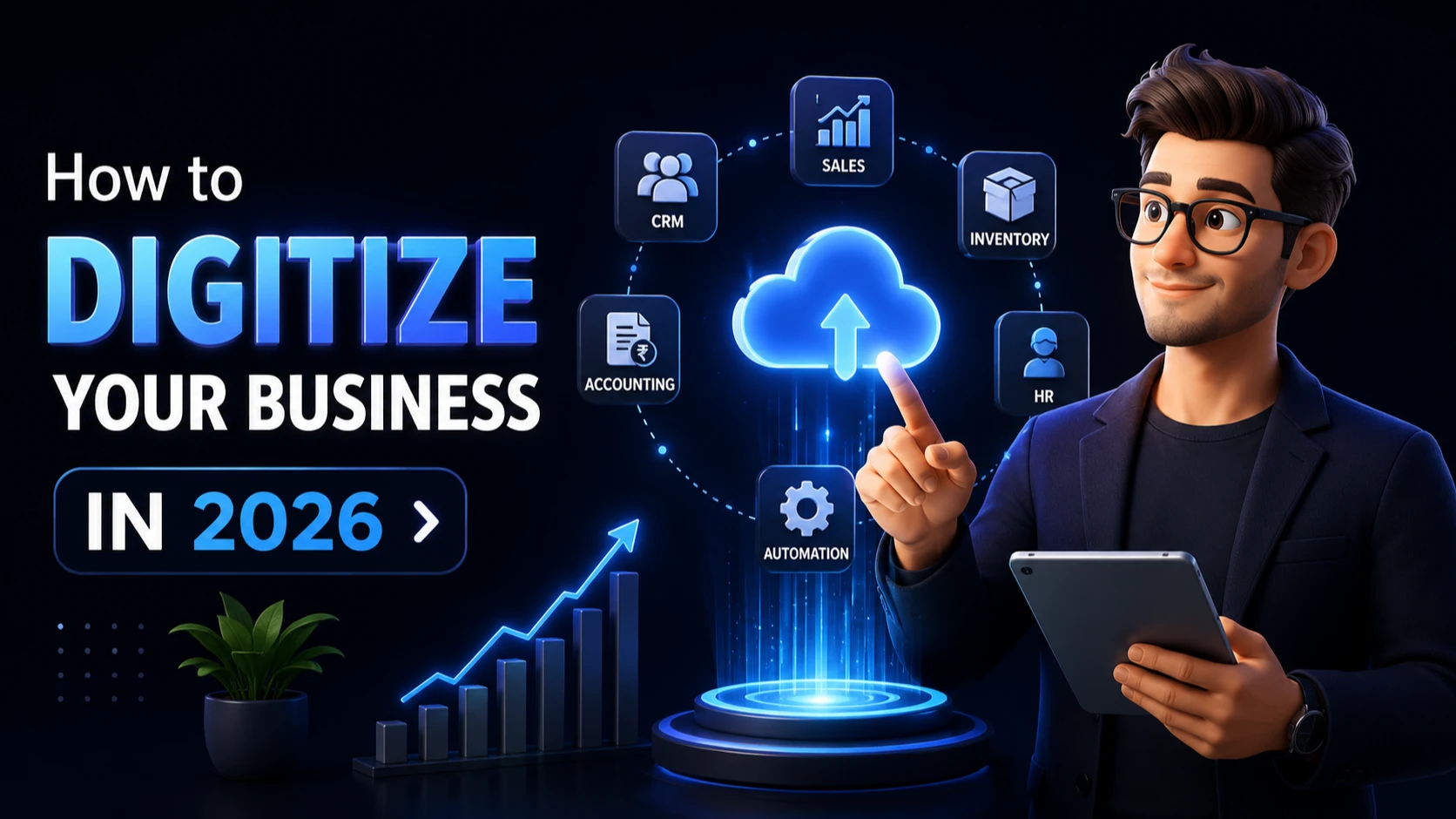
# How to Digitize Your Business in 2026
Digital transformation is no longer a luxury reserved for large enterprises. In 2026, businesses of every size, from local retail stores and manufacturers to schools, hospitals, and startups, are adopting digital solutions to improve efficiency, reduce operational costs, and deliver a better customer experience.
If your business still relies on spreadsheets, WhatsApp messages, paper records, or disconnected software, now is the right time to modernize.
This guide explains how to digitize your business step by step, the tools you'll need, common mistakes to avoid, and how digital transformation can increase productivity and profitability.
What Does Business Digitization Mean?
Business digitization is the process of replacing manual or paper-based operations with digital systems and software.
Instead of managing:
- Paper invoices
- Excel spreadsheets
- Manual attendance registers
- WhatsApp order tracking
- Physical inventory books
Businesses use:
- ERP Software
- CRM Systems
- HR Management Software
- Inventory Management Software
- Accounting Software
- Cloud Storage
- Business Automation Tools
The objective is simple:
"Save time, reduce errors, improve visibility, and help your business scale."
Why Businesses Are Going Digital in 2026
Customer expectations have changed dramatically.
Today's customers expect:
- Faster responses
- Online payments
- Digital invoices
- Live order updates
- Easy communication
- Professional customer support
At the same time, business owners want:
- Better reporting
- Lower operational costs
- Fewer manual tasks
- More sales
- Centralized business data
Digitization helps achieve both.
Signs Your Business Needs Digital Transformation
If you recognize several of these situations, it's time to digitize your business.
Your team spends hours updating Excel sheets.
Customer information is scattered across WhatsApp, notebooks, and emails.
Inventory mistakes happen frequently.
Employees struggle to track tasks.
Sales follow-ups are often missed.
Reports take days to prepare.
You cannot monitor your business remotely.
Different departments use different software that doesn't communicate.
Step 1: Identify Manual Processes
Start by listing every daily activity in your business.
Examples include:
- Sales
- Purchases
- Inventory
- Billing
- HR
- Payroll
- Customer Support
- Task Management
- Accounting
- Marketing
Highlight processes that consume excessive time or frequently cause mistakes.
These become your first automation opportunities.
Step 2: Move Your Data to the Cloud
Cloud-based software allows your team to access business information securely from anywhere.
Benefits include:
- Automatic backups
- Multi-user access
- Better security
- Real-time updates
- Lower maintenance costs
Cloud solutions also eliminate dependence on a single office computer.
Step 3: Implement a CRM System
One of the biggest mistakes businesses make is managing leads through WhatsApp and Excel.
A Customer Relationship Management (CRM) system helps you:
- Track every lead
- Assign follow-ups
- Record customer interactions
- Monitor sales performance
- Improve conversion rates
Businesses that use CRM software generally respond faster and close more deals.
Step 4: Automate Routine Tasks
Business automation saves hundreds of hours every year.
Examples include:
| Manual Task | Automated Solution |
|---|---|
| Invoice Creation | Invoice Generator |
| Attendance | HR Management System |
| Lead Follow-ups | CRM Automation |
| Inventory Updates | Inventory Management Software |
| Salary Calculation | Payroll Software |
| Purchase Orders | ERP Software |
Automation reduces repetitive work and allows employees to focus on higher-value activities.
Step 5: Centralize Business Operations
Instead of using multiple disconnected applications, many businesses now use an integrated business management system.
A centralized platform typically includes:
- CRM
- Sales
- Inventory
- HR
- Accounting
- Purchase Management
- Task Management
- Reports
- Customer Database
Having everything in one place improves decision-making and reduces duplicate work.
Step 6: Create a Professional Online Presence
Your website is often the first impression customers have of your business.
A modern business website should include:
- Fast loading speed
- Mobile-friendly design
- Service information
- Contact forms
- WhatsApp integration
- Google Maps
- Customer testimonials
- SEO optimization
A professional website builds trust and generates leads around the clock.
Step 7: Use Business Analytics
Without data, business decisions become guesswork.
Track metrics such as:
- Revenue
- Sales conversion
- Inventory movement
- Customer retention
- Employee productivity
- Marketing ROI
Modern dashboards provide real-time insights that help owners make informed decisions.
Common Mistakes to Avoid
Many businesses fail because they digitize incorrectly.
Avoid these mistakes:
- Buying software without understanding your workflow.
- Using too many disconnected applications.
- Ignoring employee training.
- Choosing software that cannot scale.
- Continuing manual work after implementation.
- Not backing up business data.
A successful digital transformation starts with planning, not purchasing.
Benefits of Digitizing Your Business
Businesses that adopt digital systems typically experience:
- Faster operations
- Better customer satisfaction
- Reduced operational costs
- Improved productivity
- Accurate reporting
- Better inventory control
- Higher sales efficiency
- Easier business expansion
- Improved employee collaboration
The long-term return on investment often outweighs the implementation cost.
Frequently Asked Questions
Is digital transformation expensive?
Not necessarily. Many businesses begin by digitizing one department at a time, such as sales or inventory, and expand gradually.
Which businesses should digitize?
Every business can benefit, including:
- Retail Stores
- Manufacturers
- Schools
- Hospitals
- Restaurants
- NGOs
- Construction Companies
- Real Estate Agencies
- Service Businesses
- Startups
How long does digital transformation take?
The timeline depends on business size and complexity. Small businesses can often complete the initial phase within a few weeks.
Should I buy ready-made software or build custom software?
Ready-made software is suitable for standard workflows. Businesses with unique processes often achieve better results with custom software tailored to their operations.
Final Thoughts
Business digitization is no longer about staying ahead of competitors. It has become essential for sustainable growth.
Whether you're running a small business, startup, manufacturing company, retail store, educational institution, or enterprise, investing in digital transformation today will improve efficiency, increase profitability, and prepare your organization for future growth.
Start by identifying one manual process that consumes the most time, digitize it, measure the results, and continue improving step by step.
Successful businesses don't become digital overnight. They become digital through consistent, strategic improvements.
Authentication required to join the conversation
Sign In to Comment